Bismillah
Whenever we intend to analyze any file, we follow the steps below, irrespective of whether the objective is to determine whether the file is benign or contains malware, or even whether we intend to crack its protection:
The 4 Stages of Analysis
Basic Static Analysis: This analysis does not require deep technical expertise, but relies entirely on tools that operate automatically (such as VirusTotal). It reveals indicators that show whether the file is a virus or not.
Rule: This analysis is performed without running the executable.
Basic Dynamic Analysis: Similar to the preceding stage, but the distinction is that here a virtualized environment is required.
Rule: This step requires running the executable in order to observe its mechanism and actual behavior.
Advanced Static Analysis: At this stage, one must possess sufficient expertise to work with disassemblers such as IDA Pro and Ghidra. We summarize this stage as the analysis of assembly code to understand its operation—that is, the structure the program follows.
Advanced Dynamic Analysis: This stage demands technical expertise, as one will work with a debugger. To contrast it with a disassembler: the difference is that a debugger permits the execution of code and stepping through it line by line in live memory, whereas a disassembler does not execute code (which is the basis of static analysis). Among the foremost debuggers is x64dbg.
Basic Reconnaissance
In this article, we discuss the first two steps of the analysis process, known as basic reconnaissance: the rapid collection of preliminary information and indicators concerning the file prior to undertaking deeper analysis. As noted, this step does not require complex technical expertise; it consists of employing simple tools. We will enumerate each tool, its purpose, and an image of its interface.
1. Helpful Websites
VirusTotal: To verify the file’s digital fingerprint (hashing) and determine whether antivirus vendors have classified it as malicious.
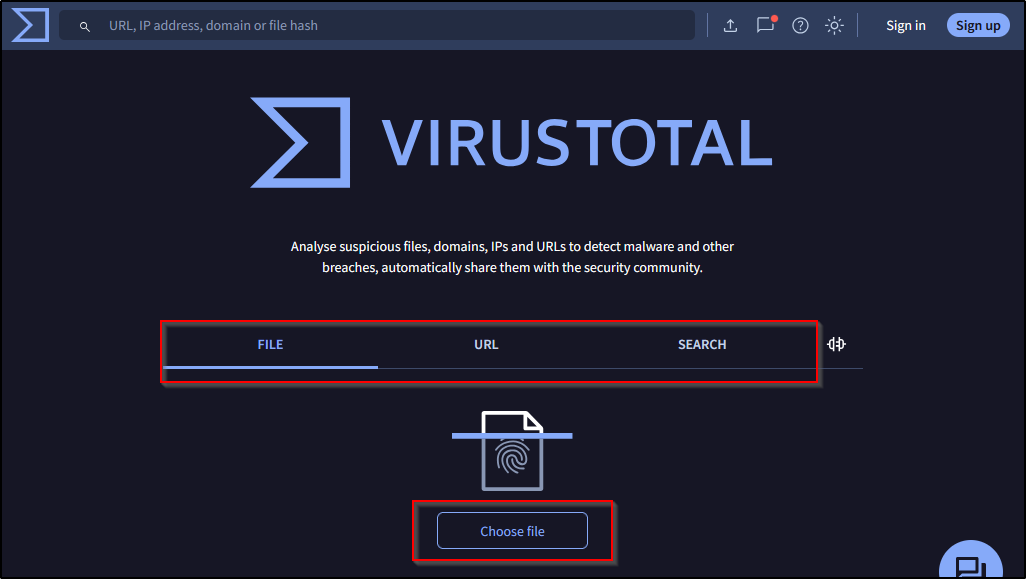 Figure (1): The VirusTotal website interface.
Hybrid-Analysis: A service providing automated execution of the file and producing a rapid report on its behavior (file, process, and network logs).
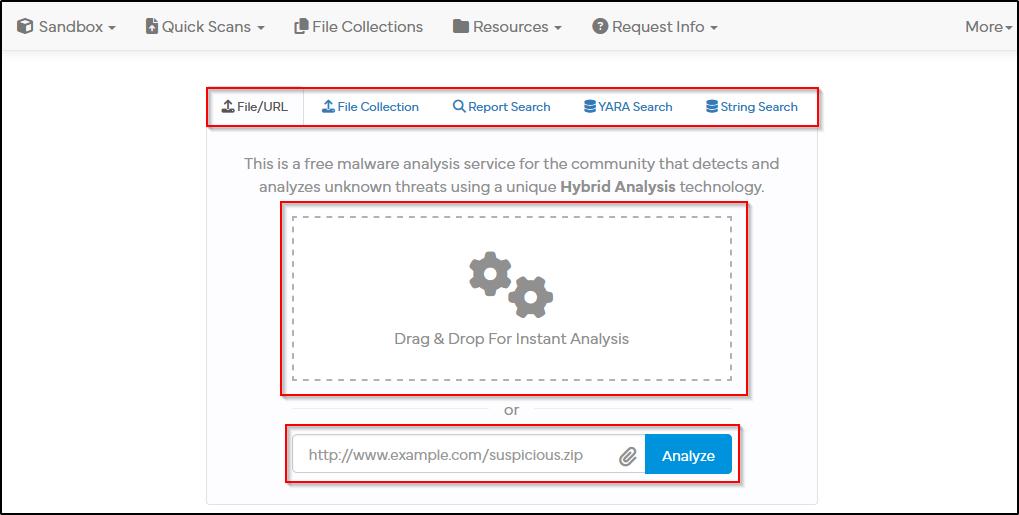 Figure (2): The Hybrid-Analysis website interface.
CyberChef: A tool for decoding and analyzing data (such as Base64, XOR).
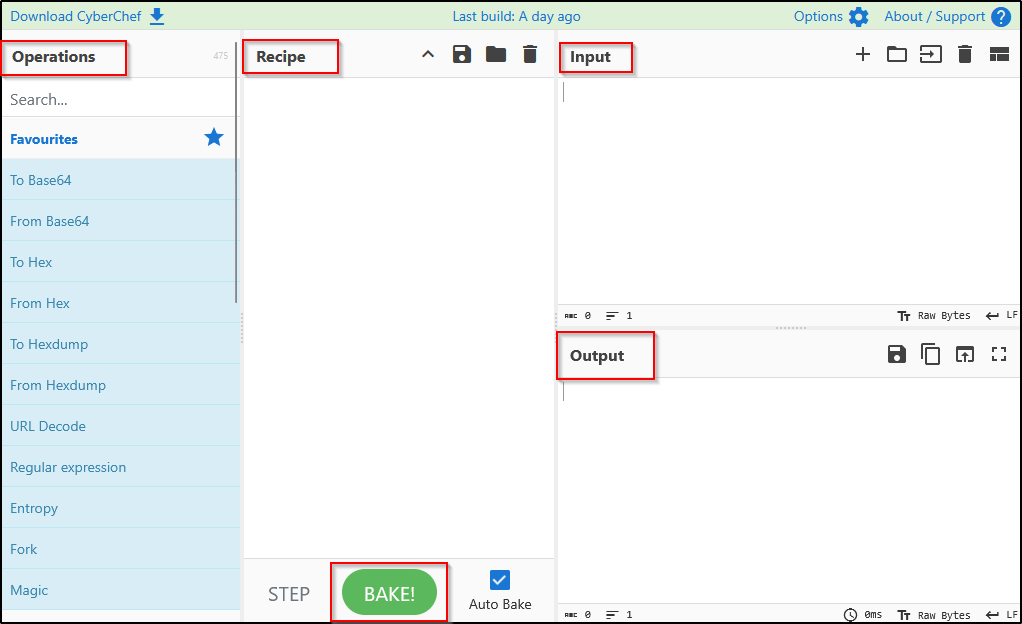 Figure (3): The CyberChef website interface.
2. Information Gathering: Static
Detect It Easy (DIE): To determine the file type and compiler type, and whether it is packed with a packer. Among the most important indicators in this program is the entropy.
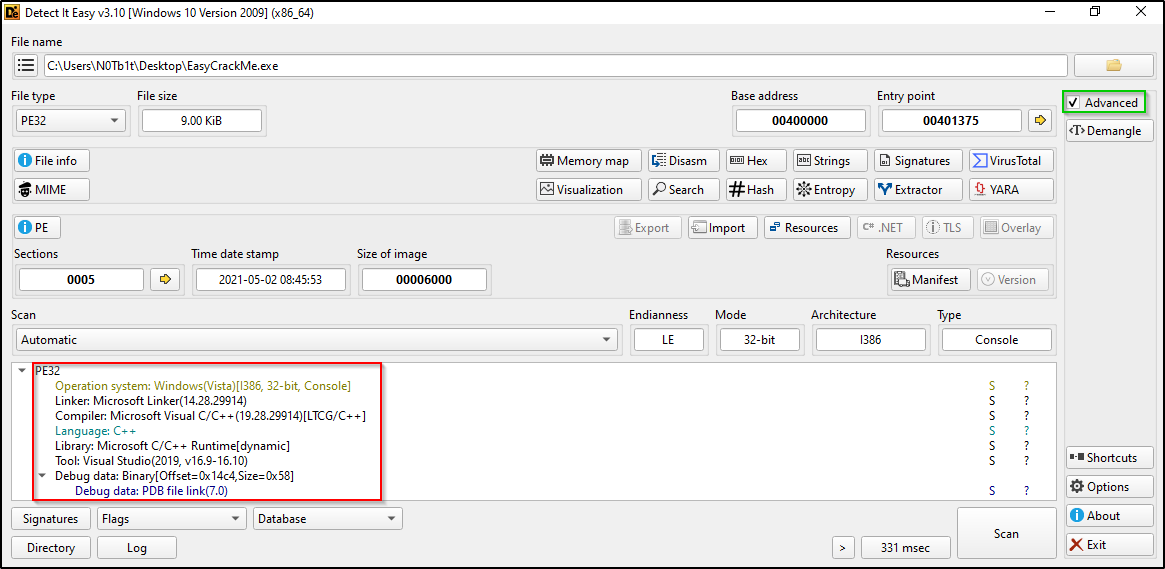 Figure (4): The DIE application interface.
FLOSS: A tool capable of extracting strings that the programmer attempts to encrypt within the code (obfuscated strings).
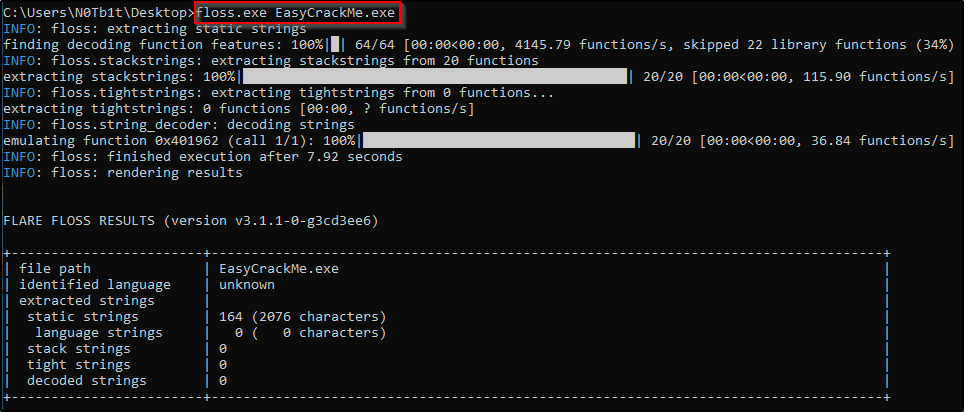 Figure (5): The FLOSS program execution command.
PE-Bear: Used to analyze the file headers (PE Headers) and explore resources, and to identify the libraries (DLLs) and functions the program invokes, such as
CreateProcessA.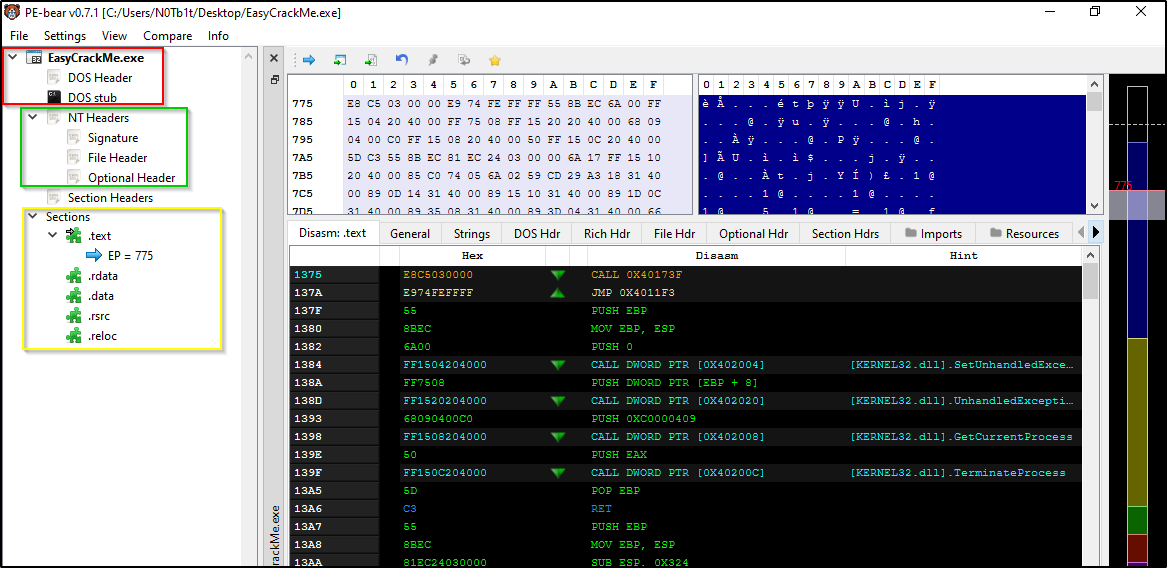 Figure (6): The PE-Bear application interface.
3. Information Gathering: Dynamic
Process Monitor (ProcMon): Monitors file activity, the system registry, and network traffic in real time.
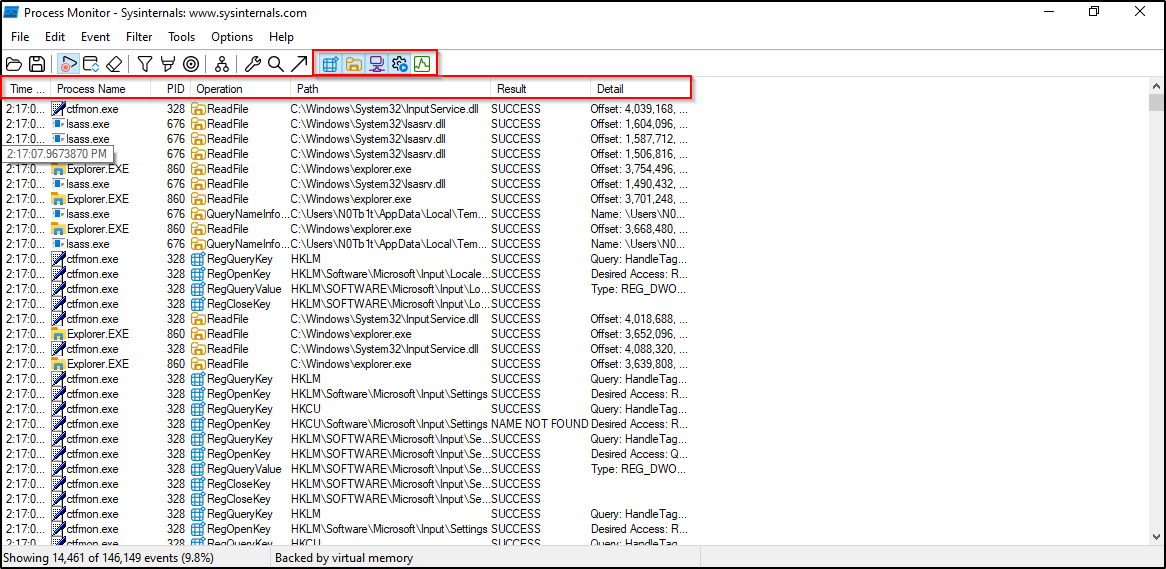 Figure (7): The ProcMon application interface.
Process Explorer (ProcExp): Used to monitor the processes currently active within the system and to detect any suspicious processes.
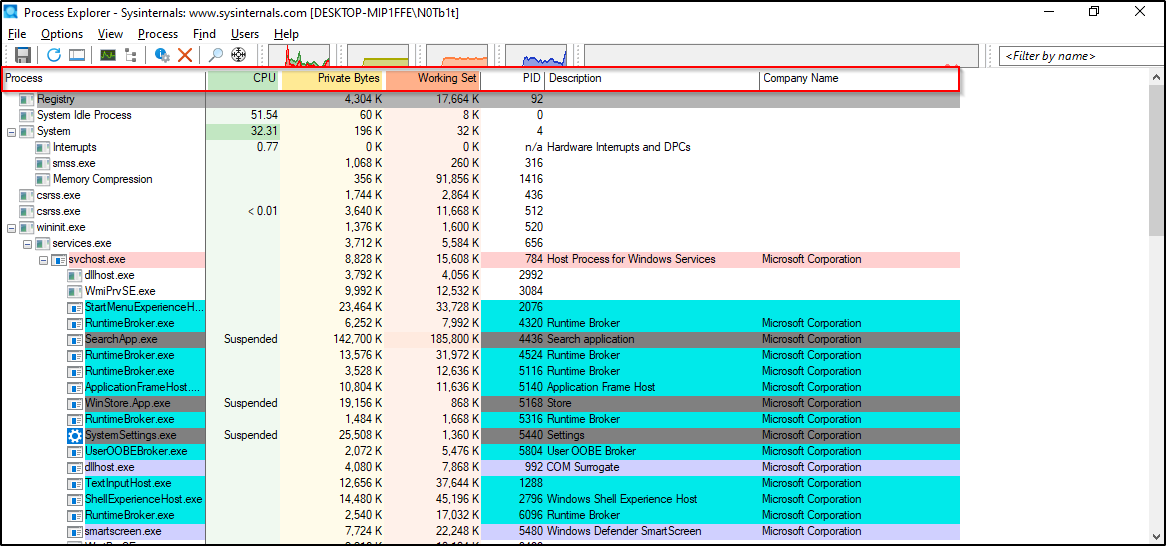 Figure (8): The ProcExp application interface.
4. Network Monitoring
FakeNet-NG: Used to simulate internet services locally, enabling the analyst to observe network requests (such as HTTP, GET) without requiring a genuine internet connection, thereby avoiding risk.
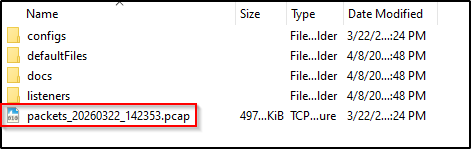 Figure (9): Image of the file generated when the application is run, bearing the
 .pcapextension, which is opened in Wireshark.Wireshark: A tool for capturing and analyzing network traffic (network sniffing) to determine whether the file is attempting to communicate with external command-and-control servers.
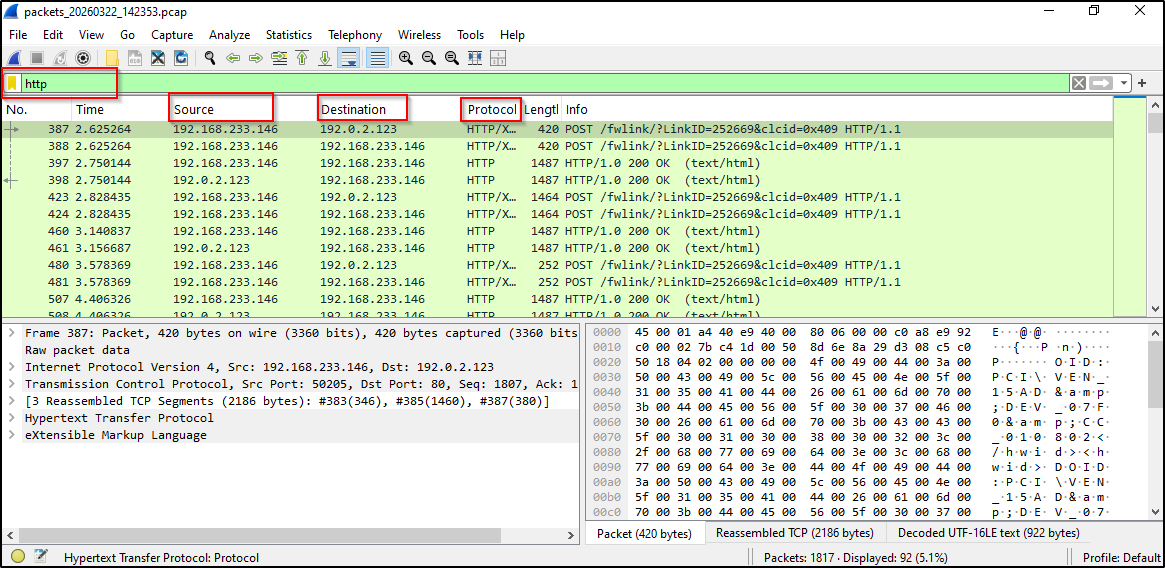 Figure (10): The Wireshark application interface.